




Spinwinera Mobile App
We made the Spinwinera app so that players could play any game on any major platform without restrictions. The mobile application gives you the full casino experience, with the best performance and quick access to games, banking, and promotions. Our Spin Winera casino app works perfectly on any device, whether it’s a smartphone, tablet, or computer. It doesn’t lose quality or functionality.



Download the Spin Winera app for Windows and Mac
You can use Spinwinera directly in your browser on both Windows and Mac computers. Just go to our website and start playing. No downloads are needed. Desktop users get great performance and a clean interface that works well on bigger screens. Your browser takes care of everything, making sure that games load quickly and stay stable.
You can also add Spinwinera to your desktop or home screen as a shortcut to get to it even faster. The PWA technology automatically updates in the background, so you always have access to the newest features and security improvements. You can turn on browser notifications for account activity, bonuses, and tournament updates right from our website.
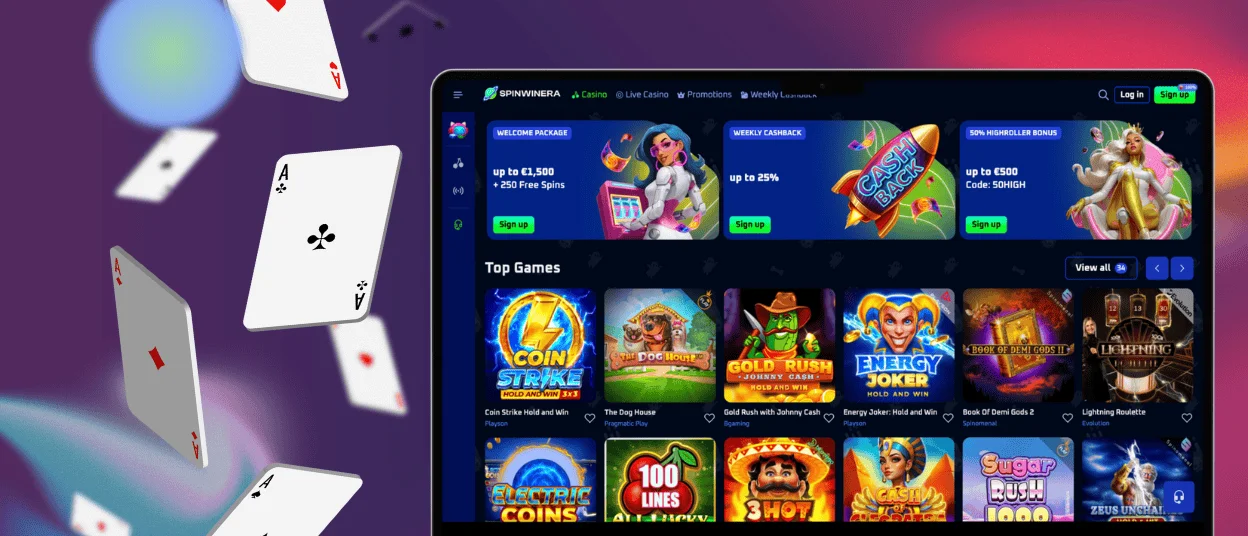
Play on the Go with an Android App
We made sure that every part of the Spinwinera casino worked perfectly on smaller screens while keeping all the features that are available on desktop. Any modern browser, like Chrome, works perfectly with the website on devices running Android 6.0 or higher.
Install APK For Android
Make it easy to get to Spinwinera right away from your home screen:
- Use the Chrome browser on your preferred analog to go to the Spinwinera website.
- Click the three dots in the address bar to see more options.
- Select “Add to home screen”.
- Tap “Add” to confirm.
- The Spinwinera icon will appear on your home screen for one-tap access.
The shortcut gives you instant access to your account with the same features as a native app once it’s added. Push notifications let you know about special mobile bonuses, free spins, and big wins.
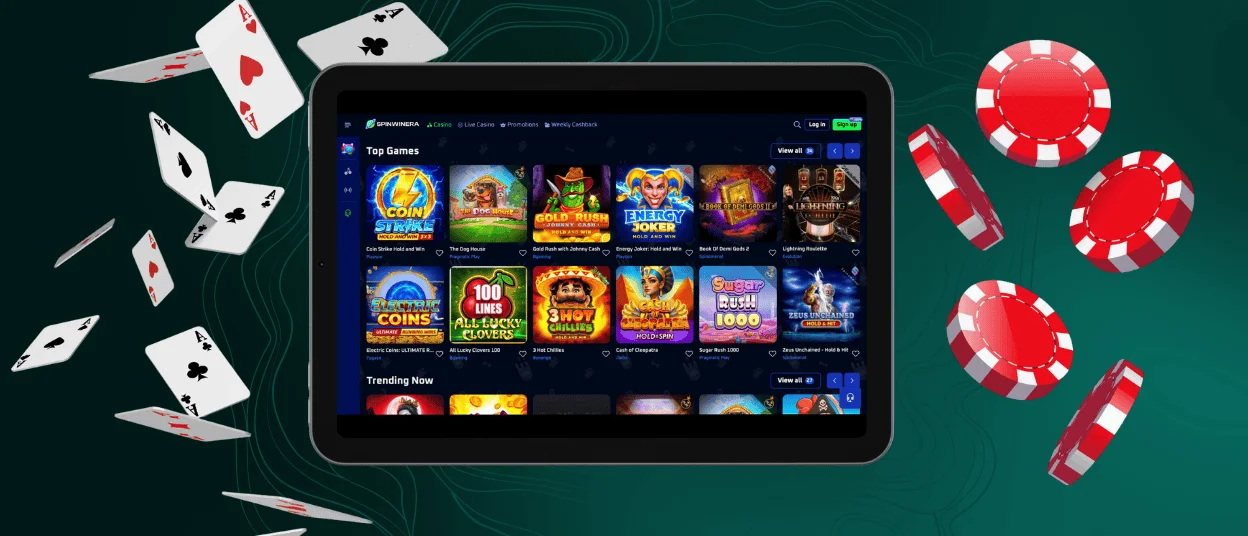
App for iOS Devices
We made our iOS Spinwinera app just for iPhone and iPad users who want the best performance possible. The mobile casino application works perfectly on iOS, with smooth animations and instant response times.
Download iOS App
Create a home screen shortcut for quick access to Spinwinera:
- Visit our mobile page from Safari on your iOS device and tap the Share button.
- Safari will prompt you to add the application to your home screen.
- Select Add to Home Screen from the menu.
- The app icon shows up on your device with your other apps, and you can get to it with just one tap.
We use Progressive Web App technology to give you the same performance as a native app in your browser. This means you don’t have to go to the app store to get it, and it still works completely.
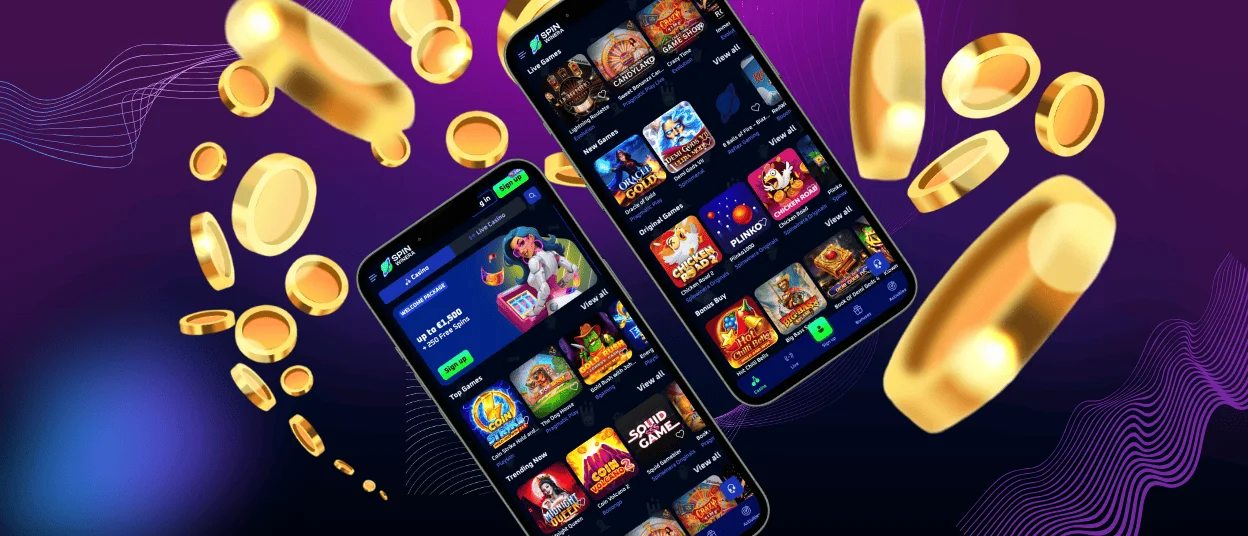
Advantages of the Spinwinera Mobile App
Our PWA for mobile gaming has unique benefits that we’ve worked hard to improve. You can access Spinwinera from anywhere with an internet connection, playing online slots during your commute or on breaks. We enhanced touch controls specifically for mobile gaming experience, making it more intuitive to spin slots and select cards compared to mouse clicks on desktop.
| Feature | Mobile Access | Desktop Access |
| Access Method | Browser or home screen shortcut | Browser |
| Touch Controls | Optimized for mobile screens | Mouse and keyboard |
| Portability | Play anywhere with internet | Fixed location |
The PWA remembers your preferences and verification status, so when you start a new session, it picks up right where you left off. Mobile users can turn on browser notifications to get updates on their account activity, bonuses, and deals. The shortcut on the home screen lets you get to the site quickly with just one tap, without having to open your browser.
FAQ
How do I get the Spin Winera Casino application and set it up?
Just open your mobile browser and go to the official Spinwinera website. Follow the steps above to add a shortcut to your home screen for quick access. It only takes a minute to finish, and you’ll be able to get into your account right away. You don’t need to download anything from the app store or install Spinwinera APK.
Is it possible to sync my account and game progress across multiple devices?
Your account syncs automatically across all devices in real time. You can see your current balance, active bonuses, and recent game history right away on any platform if you log in with the same information. No matter what device you use, updates to tournament progress, loyalty programs, and promotional requirements happen immediately. We keep all account information safe on our servers, so you don’t have to manually sync or move data when you switch between mobile and desktop.
Does the Spin Winera app protect personal and financial data?
All data transmission uses bank-level encryption. SSL 256-bit encryption protects your financial and personal information when accessing Spinwinera through any browser. We comply with international data protection regulations, and independent third-party companies regularly audit our security measures.
I need help using the app. What should I do?
Our 24/7 support team is accessible through the help section on the website. A support representative can view your account details and resolve issues in minutes via the integrated live chat. We also have a comprehensive help center for common questions and troubleshooting. For technical issues, our development team continuously monitors site performance to identify and address any problems quickly.


